
Manage Your Account Online, Anytime
The Resident Portal gives you 24/7 access to pay rent, view your lease, submit maintenance requests, and stay informed about your account — all in one place.
First time logging in? Check your email for your activation link or contact your property manager.
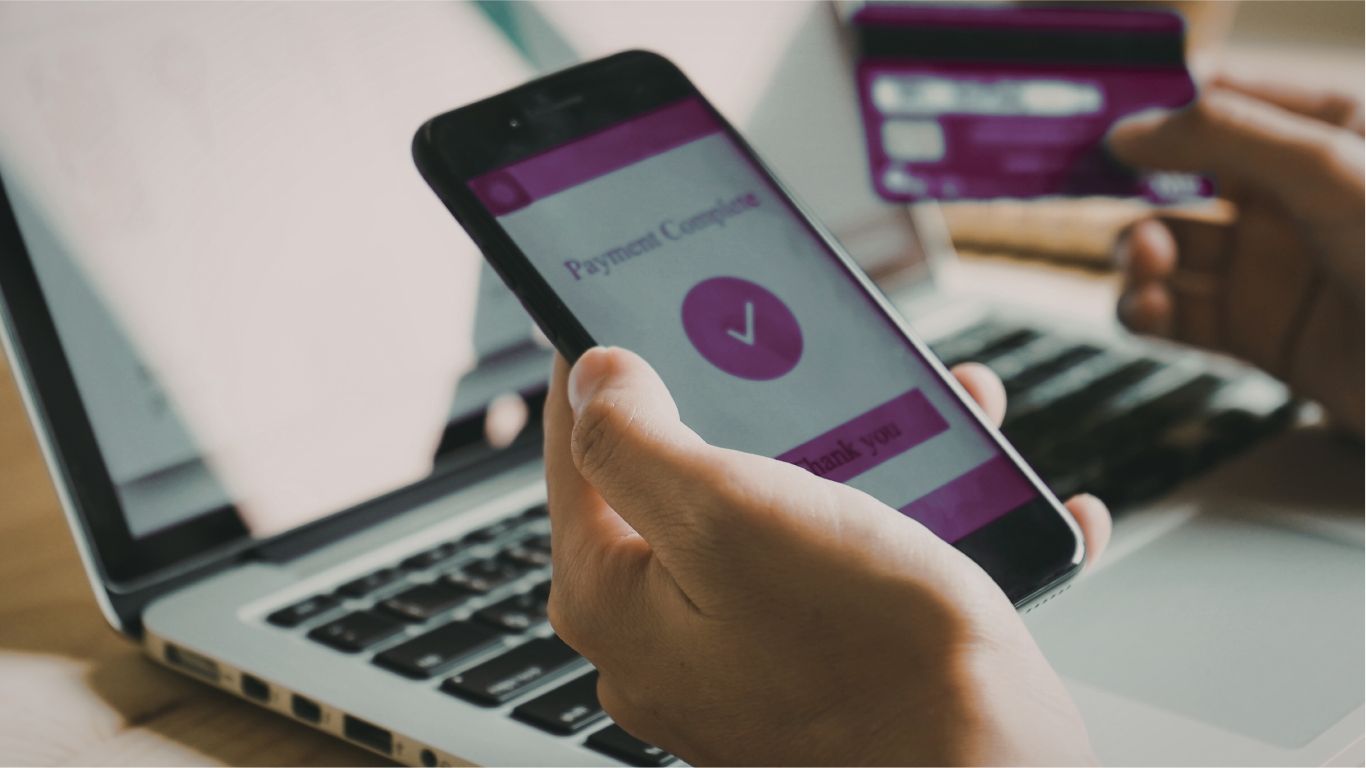
Everything in One Place
Your portal is your central hub for all account activity, payments, documents, and communication.
Pay Rent Online
Make secure payments, set up autopay, and view your payment history at any time.
View Lease & Documents
Access your lease agreement, notices, and property documents anytime.
Submit Maintenance
Submit requests, upload photos, and track work order status through completion.
Rental Insurance
Upload proof of insurance or purchase a policy to stay compliant with your lease.
Account Ledger
View your account balance, charges, credits, and full transaction history.
Notices & Updates
Receive and review property notices, lease updates, and important communications.
Autopay Setup
Set up automatic payments so rent is never late and you never have to think about it.
Written Requests
Submit account change requests and written communications directly through the portal.
Online Payments
All rent payments must be made through the Resident Portal. We do not accept cash, personal checks, or payments made outside the portal.
- Payments must be submitted as one full payment
- Split payments are not accepted
- Log into your portal to review any applicable processing fees before paying
- Set up autopay to ensure rent is never late
We do not accept partial payments. If you are unable to pay the full amount and need to discuss payment arrangements, you must submit a written request to your Property Manager before rent is due. Approval is not guaranteed and must be confirmed in writing.
Account Changes & Written Requests
All account changes and special requests must be submitted in writing to your Property Manager for review and approval. This includes:
- Updating contact information
- Requesting changes to your account
- Payment arrangement requests — must be submitted before rent is due
- Any special requests related to your lease or tenancy
Written requests protect both you and your property manager. Verbal requests are not binding — always submit in writing through the portal or by email so there is a clear record.
Rental Insurance
Residents are required to maintain renter's insurance as outlined in the lease. Through the portal you can:
- Upload proof of your current renter's insurance policy
- Purchase a policy if you do not already have one
- Maintain compliance directly through the portal
Renter's insurance protects your personal belongings. The owner's insurance does not cover resident personal property under any circumstances.
Stay Connected
The Resident Portal is your central hub for all account activity, communication, and important updates. We recommend checking your portal regularly — especially for:
- Payment confirmations and receipts
- Maintenance request status updates
- Lease renewal notices
- Property notices and management communications
Need to Submit a Maintenance Request?
All non-emergency maintenance requests are submitted through the portal. For a full guide on what qualifies as an emergency vs. a standard request — and what to check before submitting — visit our Maintenance Requests & Emergency Guide →
Questions about your portal account? Contact our office during business hours and we will help you get set up.
(855) 740-2300 ext. 3 · management@rcarealtygroup.com
Access Your Resident Portal
Pay rent, submit maintenance, view your lease, and manage your account — all in one place, 24/7.
First time logging in? Check your email for your activation link.